The World of AI Training
While MTurk is very focused on the USA, Clickworker is a platform that truly embraces the global workforce. If you live in Europe, Asia, or Africa, Clickworker is often your best bet for finding consistent online work.
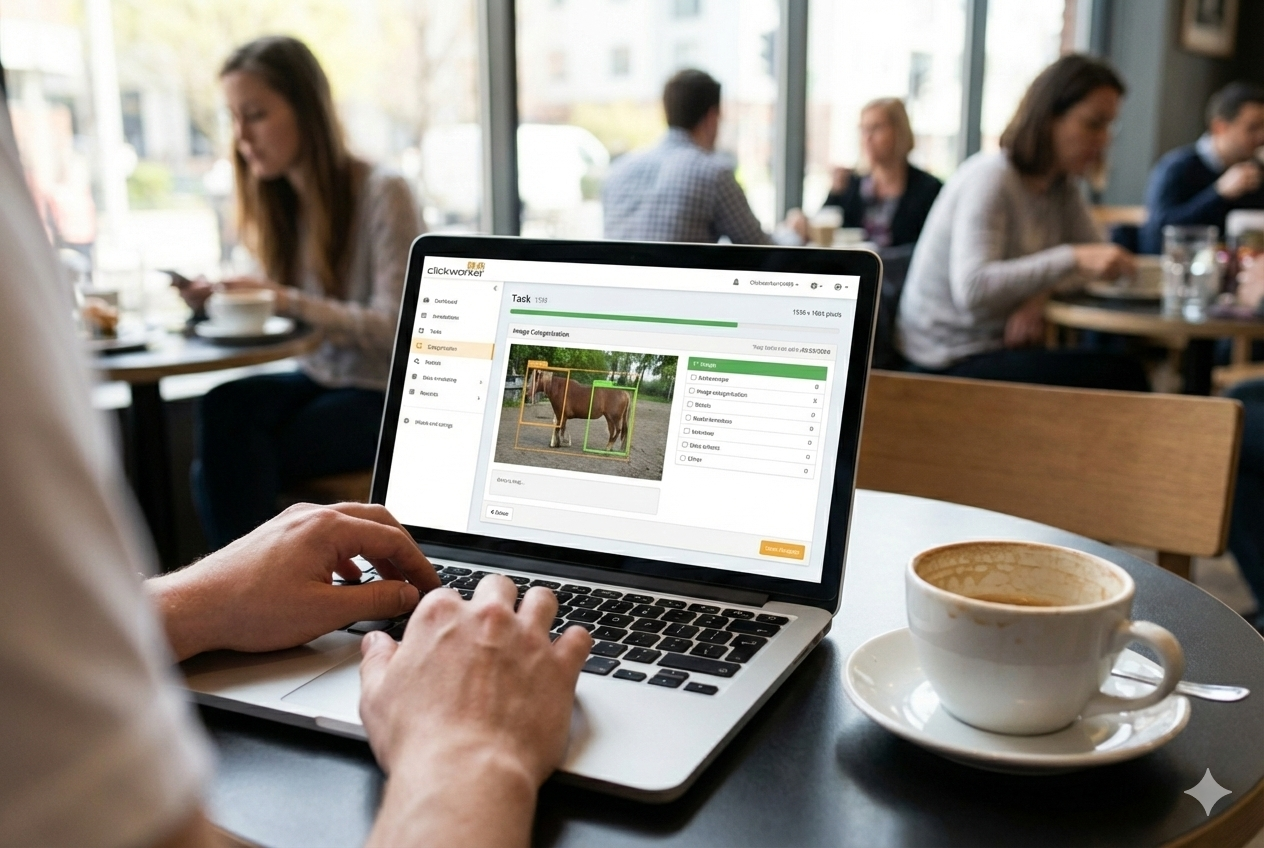
The main reason Clickworker exists today is Artificial Intelligence (AI). Companies like Google, Microsoft, and Apple are all building AI, but AI needs to be “trained.” For example, if an AI is learning how to drive a car, it needs to see 10,000 photos of a “stop sign.” Clickworker hires people to look at those photos and confirm, “Yes, this is a stop sign.”
What is UHRS?
When you join Clickworker, you will hear a lot about UHRS. This stands for Universal Human Relevance System. It is a separate platform owned by Microsoft, but you access it through Clickworker. This is where the “big” work is. To get into UHRS, you usually have to pass a small English test (or a test in your native language). Don’t be scared! The test is usually just checking if you can follow basic instructions and have good grammar.
Step-by-Step: Setting Up Your Profile
To make the most money on Clickworker, you can’t just sign up and wait. You have to be proactive:
- Fill out your profile 100%: Tell them about your hobbies, your education, and what languages you speak. They use this information to “target” tasks to you.
- Take the Assessments: Go to the “Assessments” tab immediately. If you don’t pass the basic English assessment, you won’t see many jobs. Take your time, sit in a quiet room, and focus.
- Download the App: Clickworker has a mobile app. Sometimes there are “photo tasks” where they pay you $5 just to take a picture of a specific product at your local grocery store. These are great “quick wins.”
How Much Can You Actually Earn?
I’ve seen people make $200 a month, and I’ve seen people make $1,200 a month. The difference is usually Consistency. The “high-paying” tasks come and go. One day there might be a task that pays $0.10 for 5 seconds of work. If you are logged in at the right time, you can make $30 an hour. If you log in two hours later, that task might be gone.
The “Rules of the Road”
Clickworker is very strict about quality. They have “hidden” test questions in their tasks. If you start clicking randomly just to finish faster, the system will catch you and “Shadow Ban” you. This means you will stop seeing jobs, and you won’t even know why.
- Read the Guidelines: Every task has a PDF or a set of instructions. Read them twice.
- Don’t use a VPN: This is the #1 reason people get banned. They want to know exactly where you are. If you use a VPN to pretend you are in the US, you will be caught and lose your earnings.
Payment Details
Clickworker pays via Payoneer or PayPal (and sometimes Direct Deposit in Europe). One thing to know is that they have a “holding period.” Usually, your money stays in your account for about 28 days before it is cleared for payment. This is to make sure the work you did was high quality and wasn’t rejected by the client. After the first month, you get paid every week.
Final Advice
Clickworker is a marathon, not a sprint. It takes a few weeks to get your account verified and to pass the assessments. But once you are “in,” it is one of the most reliable sources of online income available today.
Ready to start training AI and getting paid? Fill out the form below to receive the step-by-step setup guide for Clickworker and UHRS.